Bridging the Gap Between Legacy Systems and AI Innovation

Stop treating AI as an experiment. We integrate advanced AI automation directly into your existing enterprise workflows securely, reliably, and seamlessly.

Why Project Pioneer?

Beyond the POC

Many AI projects fail to leave the lab. We specialize in taking AI out of the sandbox and deploying it into production environments where real business happens.

Respect for Legacy Infrastructure

We don't believe in "rip and replace." With deep expertise in .NET, C#, and enterprise architectures, we build bridges between your established systems and modern AI tools.

Stability & Security First

Automation implies responsibility. We design robust human-in-the-loop workflows that ensure data integrity, security compliance, and operational stability.

Enterprise Solutions
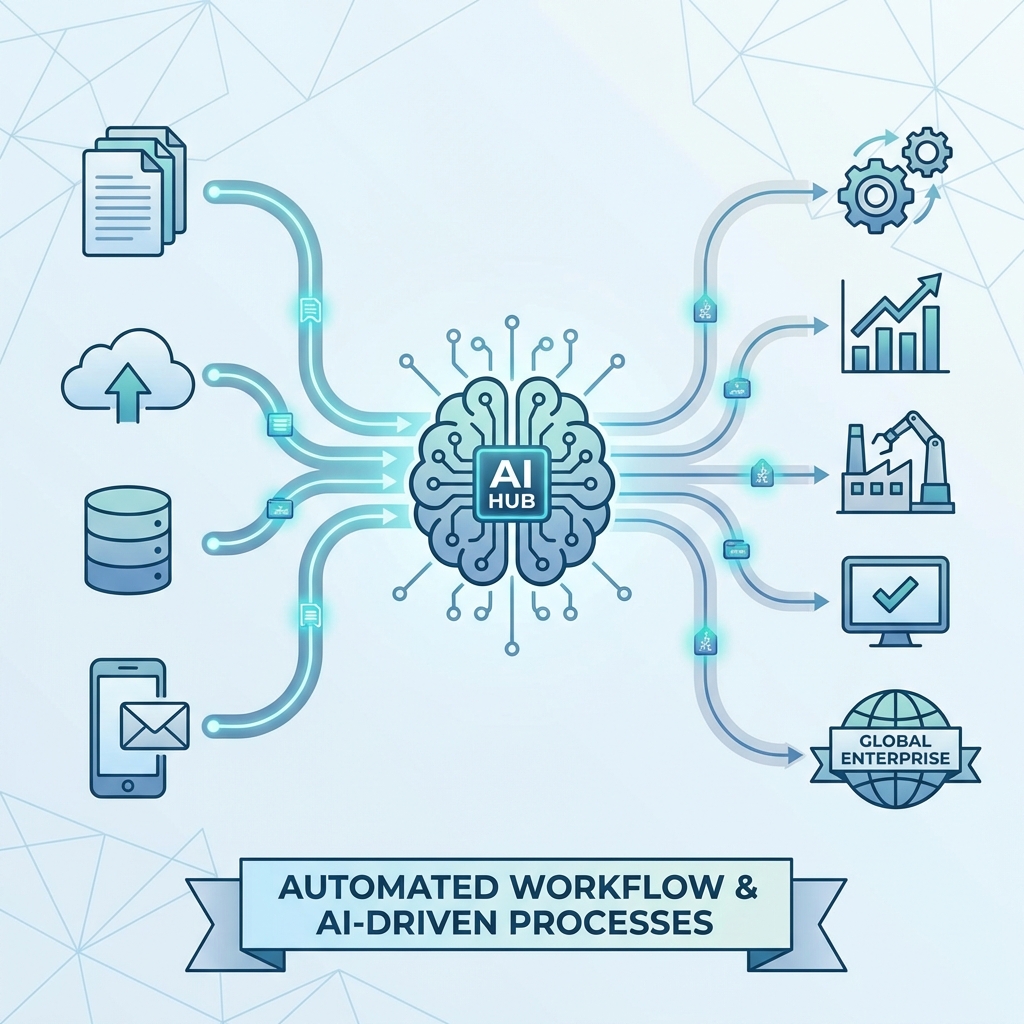
AI-driven workflow automation illustration
01

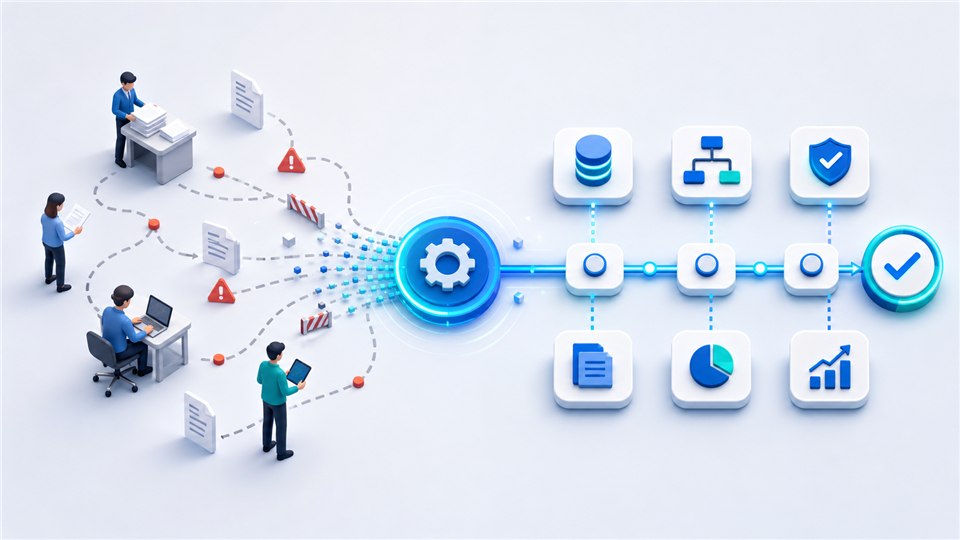
AI-Driven Workflow Automation

  • Eliminate bottlenecks by connecting isolated tools such as email, Excel, ERP, and cloud storage into a single automated pipeline.
  • Automate document processing, analysis, and reporting with tailored LLM integrations.
02

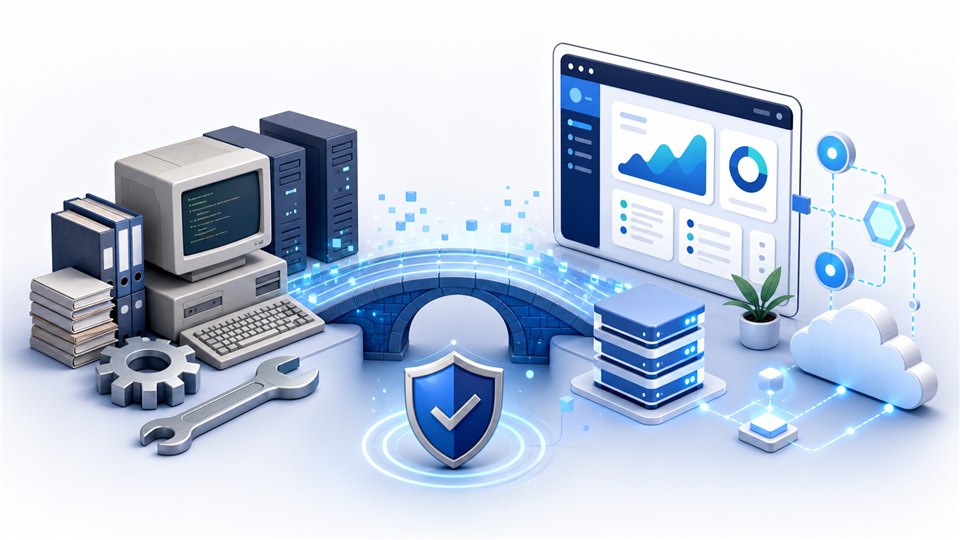
Legacy System Integration & Modernization

  • Revitalize your core software without disrupting day-to-day operations.
  • Analyze existing C# and .NET codebases to connect them to modern AI applications through practical APIs.
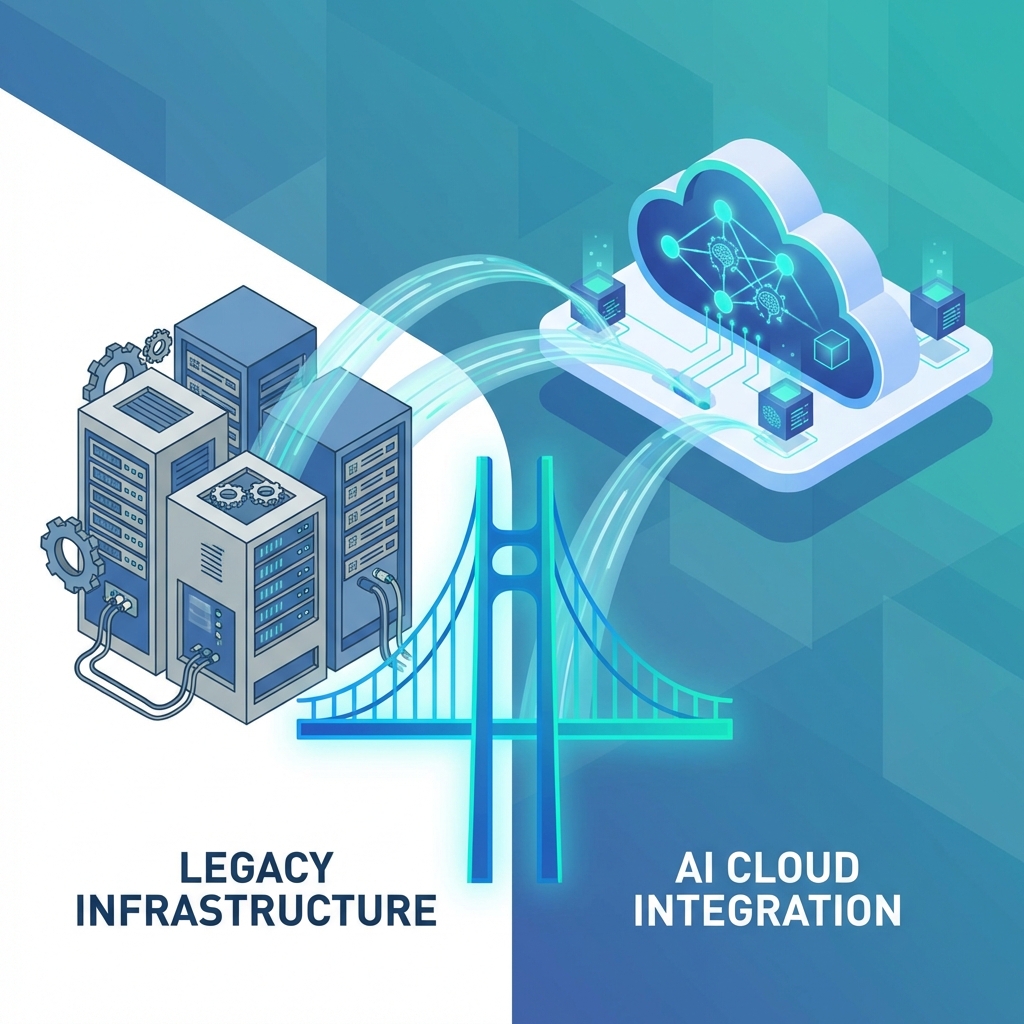
Legacy system integration illustration
03

Custom Enterprise Development

  • Full-cycle software development from architectural design to maintenance.
  • Scalable, data-intensive applications tailored to industries such as logistics, finance, and agtech.
Services

Start Small, Improve Real Workflows

Project Pioneer helps teams improve existing systems, automate repetitive work, and test practical AI/OCR workflows without forcing a full rebuild.

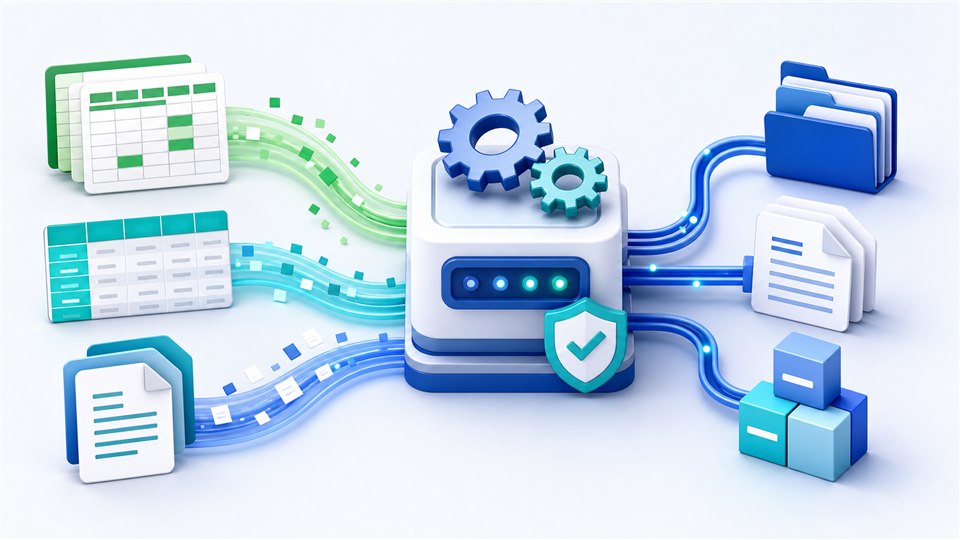
Infographic showing spreadsheets, CSV data, and documents flowing into an automated processing system
01

Business Automation / Excel, CSV, Document Processing

Problem

Repeated data entry, spreadsheet cleanup, CSV preparation, and document checks consume time and create avoidable errors.

Starter scope

Discuss one manual workflow, then review example files together if they would help define the work.

Deliverable

Workflow summary, automation priorities, a first PoC scope, and development risks.

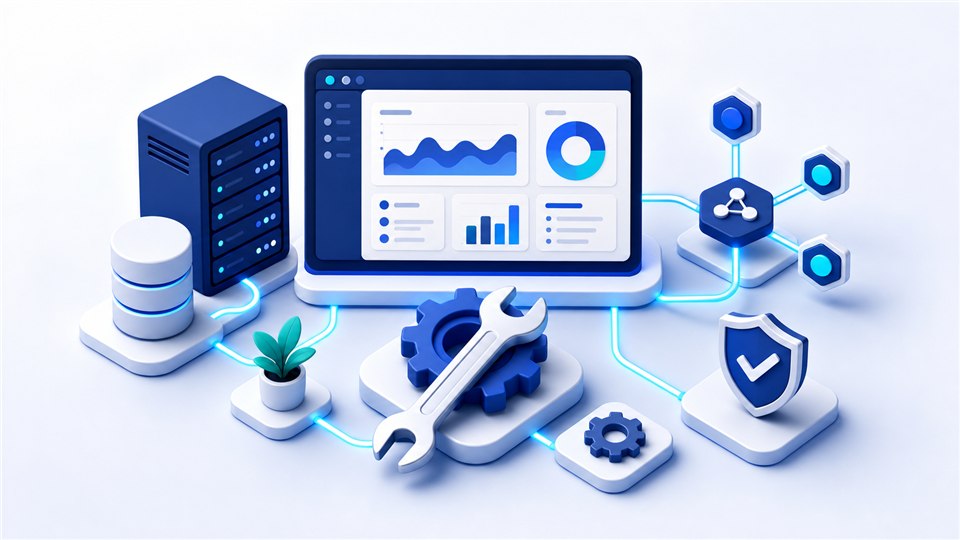
Infographic showing web dashboards, APIs, servers, and maintenance tools connected in a stable system
02

Existing Web, API, and Back-Office Maintenance

Problem

A live website, admin tool, API, or internal back office is slow, fragile, or hard to extend after the original developer moved on.

Starter scope

Identify the most urgent fix first, then discuss system access when the work is scoped.

Deliverable

System status summary, prioritized fixes, impact notes, and a short-term maintenance or improvement plan.

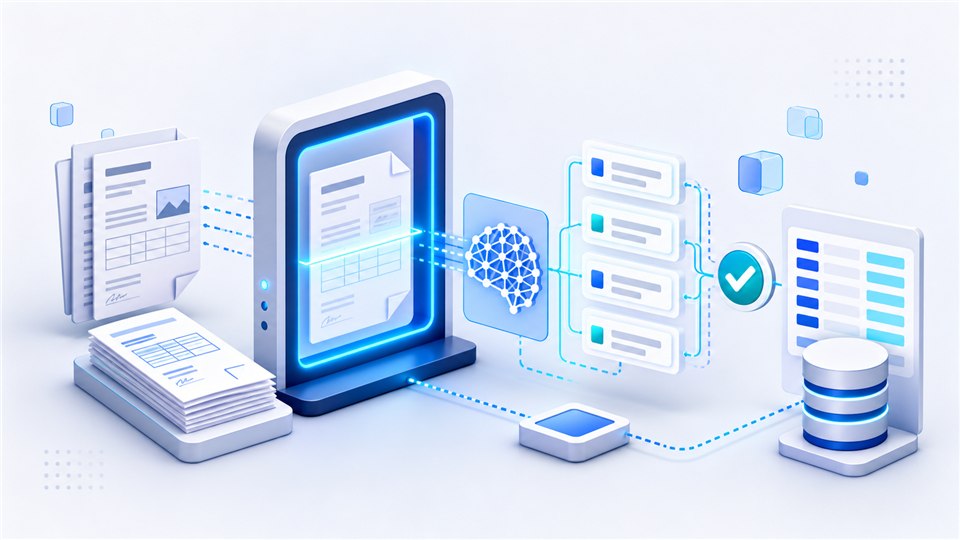
Infographic showing scanned documents moving through OCR and AI extraction into structured data
03

AI/OCR Document Processing PoC

Problem

Staff still read PDFs, scanned images, invoices, orders, or forms by hand before entering the needed data.

Starter scope

Choose one document type and discuss a human-reviewed extraction flow. We can review samples later.

Deliverable

Extractable field list, accuracy risks, review/output approach, and PoC development scope.

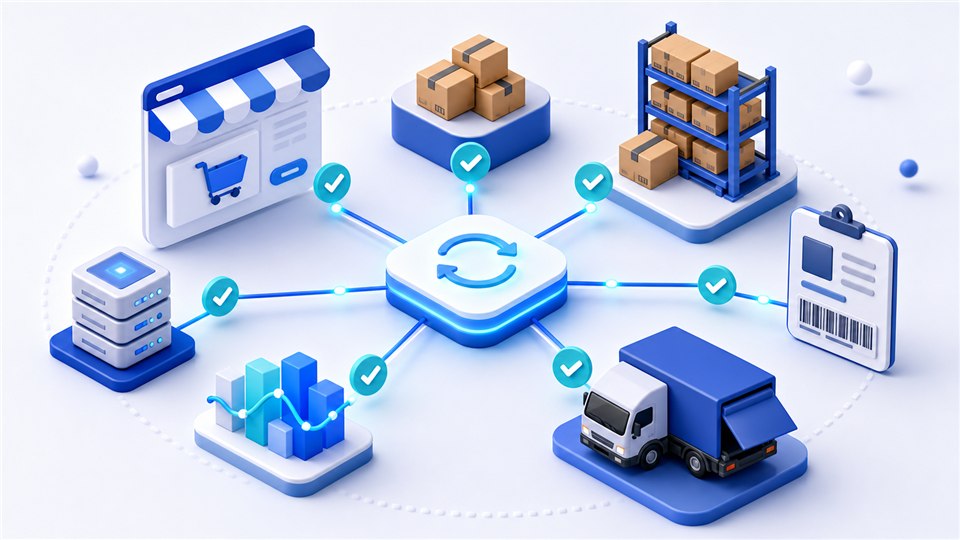
Infographic showing e-commerce orders, inventory, warehouse boxes, and shipping connected through automation
04

E-Commerce Order, Inventory, and Shipping Integration

Problem

Orders, inventory, invoices, and shipping data move separately across Shopify, Cafe24, ERP/WMS, and carrier tools.

Starter scope

Map the flow from order creation to fulfillment, identify duplicate entry, and pick one realistic API, CSV, or admin workflow improvement.

Deliverable

Order/inventory/shipping data flow, integration priorities, platform feasibility notes, and first improvement scope.

Infographic showing a legacy computer system connected to a modern web dashboard through a secure bridge
05

Legacy ASP.NET, PHP, and Classic ASP Improvement

Problem

Older ASP.NET, PHP, Classic ASP, Web Forms, or jQuery systems still run the business but feel risky to change.

Starter scope

Review technology and deployment structure, handle one urgent fix or error, and decide whether partial improvement is enough.

Deliverable

Legacy structure summary, short-term fix list, modernization options, and backup/deployment cautions.

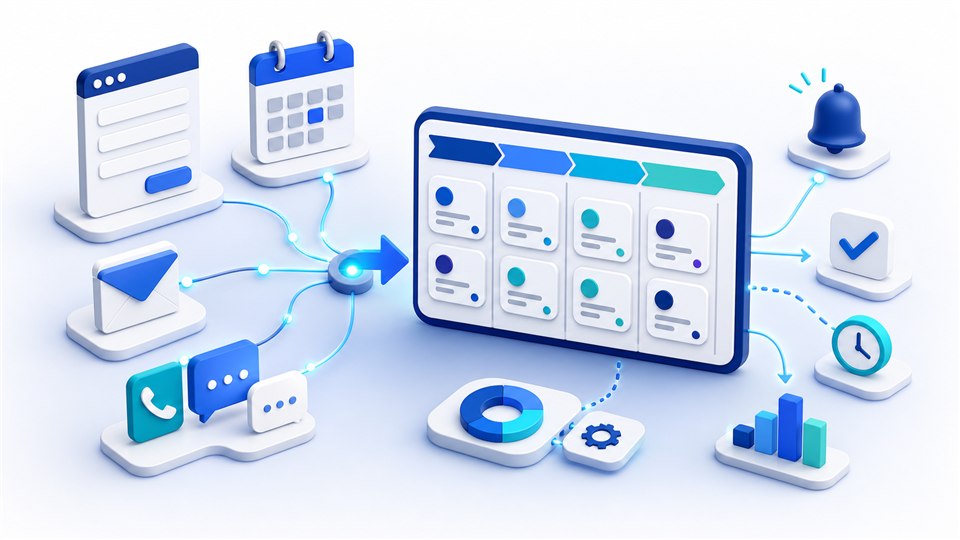
Infographic showing inquiry forms, calendar booking, email, phone, and lead cards flowing into a CRM pipeline
06

Lead Intake, Booking, and Customer Workflow Automation

Problem

Website inquiries, appointment requests, email follow-ups, and customer notes are scattered across inboxes, calls, forms, and spreadsheets.

Starter scope

Map one inquiry or booking flow from first contact to follow-up, then identify where reminders, routing, or simple CRM-style tracking can help.

Deliverable

Intake flow summary, automation opportunities, notification or tracking approach, and a first implementation scope.

Have one workflow that keeps draining time? Start with a small diagnostic conversation before committing to a larger build.

Discuss a Workflow

Proven Results

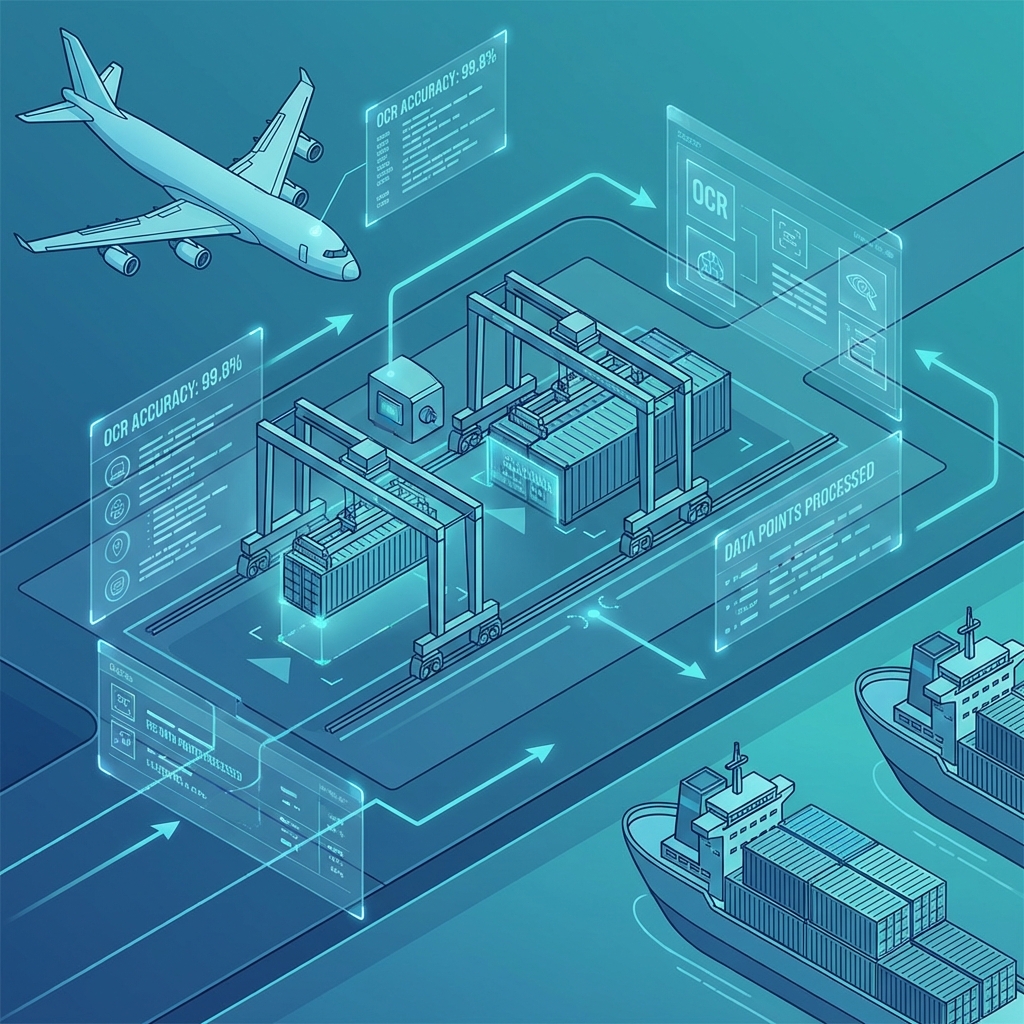
Automated logistics data processing illustration

Automated Logistics Data Processing

Challenge

Manual entry of complex Air Waybills caused delays and data errors.

Solution

Developed an OCR and machine learning pipeline integrated with the client's internal database.

Result

Connected document extraction to the client's internal data workflow.

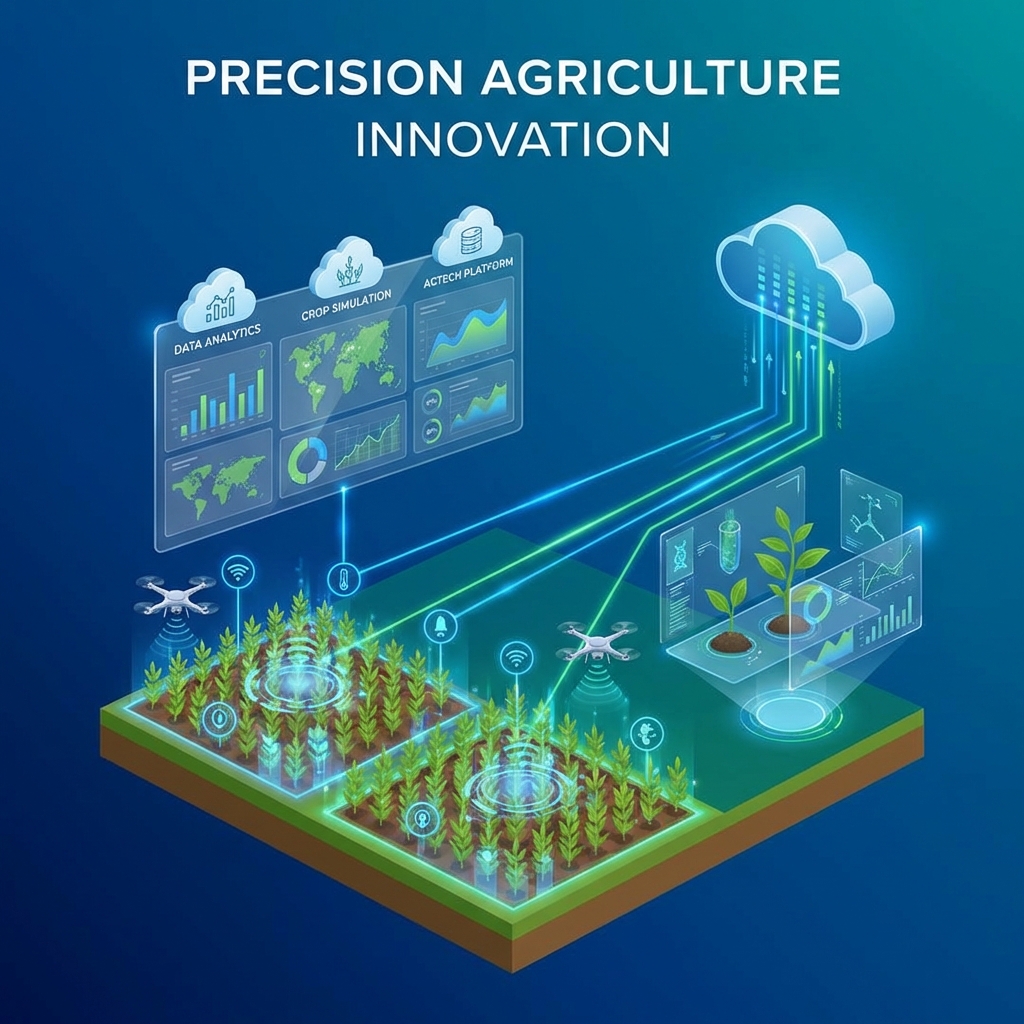
Agri-tech simulation platform illustration

Agri-Tech Simulation Platform

Challenge

Modernizing a legacy Fortran-based crop simulation model for web accessibility.

Solution

Ported core logic to C# and built a web dashboard for real-time analysis and visualization.

Result

Enabled researchers to run cloud-based simulations that can be accessed from anywhere.

Portfolio

Selected Work Across Web, Mobile, and Business Portals

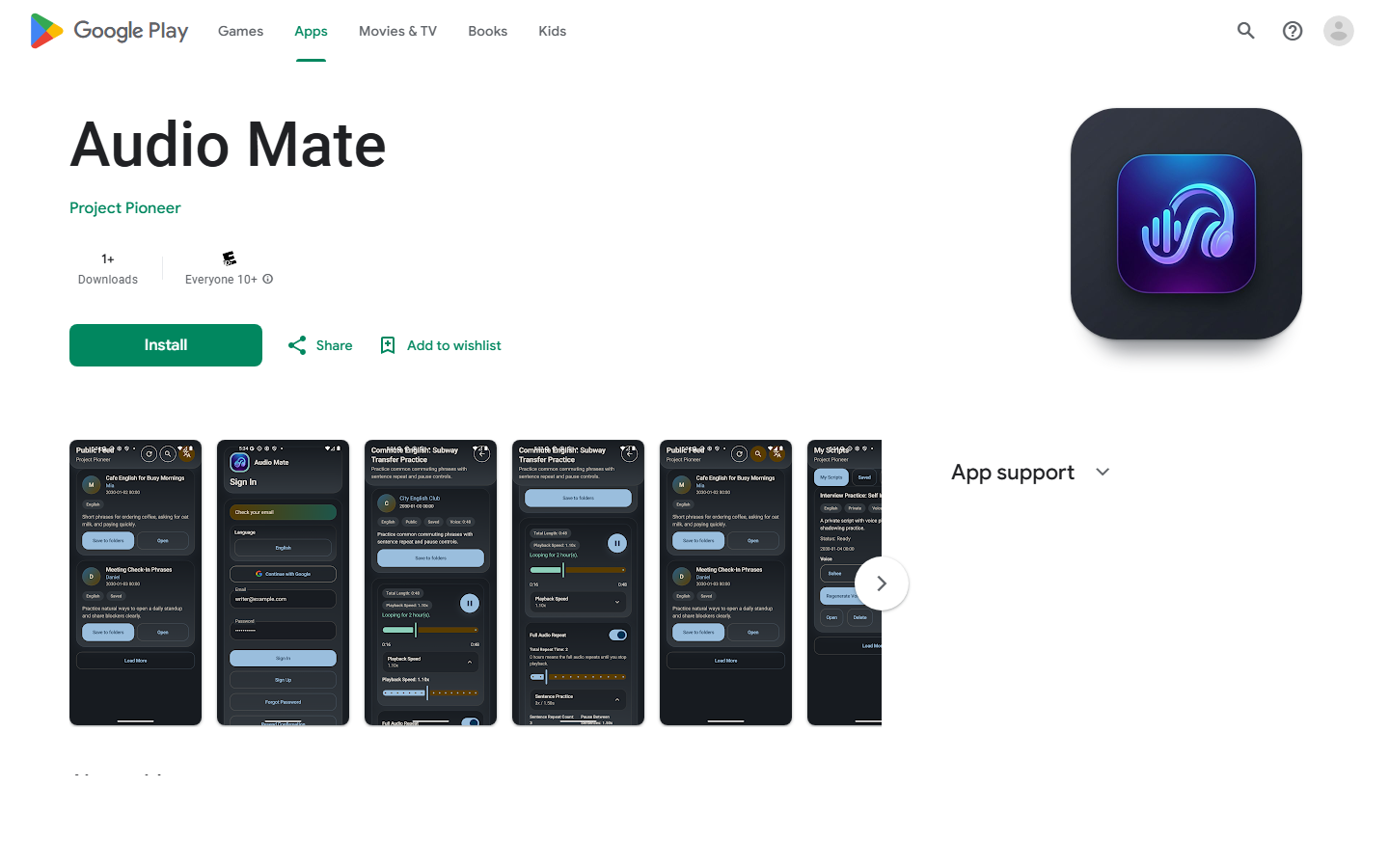
A selection of websites, a mobile app, and business portals delivered by Project Pioneer.

Tell us what you are working on.

Choose an area of interest and leave your email. A short note is welcome; detailed requirements can come later.

Attachments (Optional) No file is needed for a first conversation. If useful, you may attach PDF, Word, Excel, or images (50MB total).